What a UI UX portfolio should show
Two or three case studies are enough. For each, state the problem, who it was for, what you tried, what you changed after feedback or testing, and what the final design was. Reviewers read for your reasoning. Polished screens with no story tell them very little.
Say exactly what your part was in any group project. If research, wireframes and the final interface were done by different people, name which was yours.
Pictures for each project
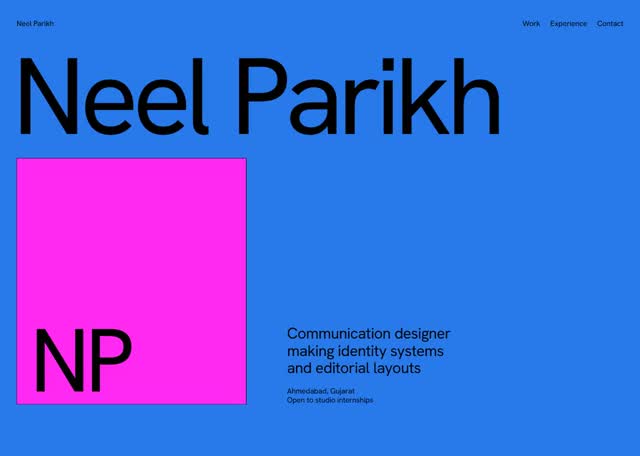
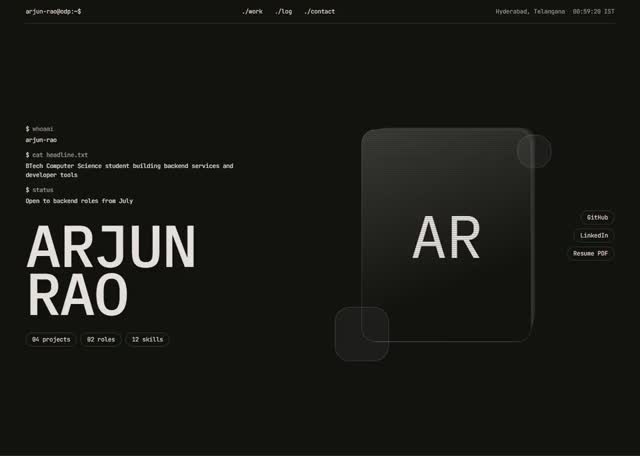
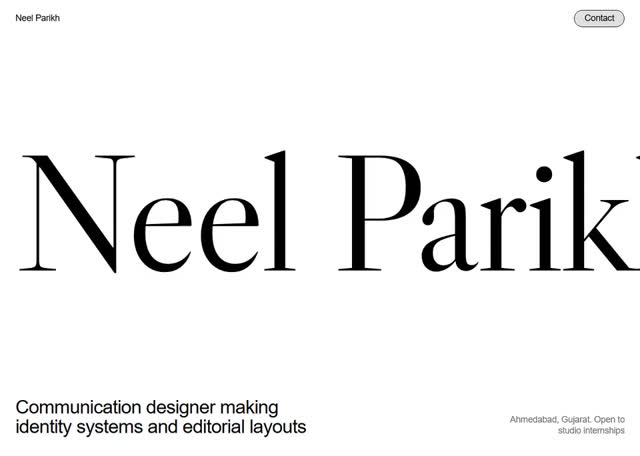
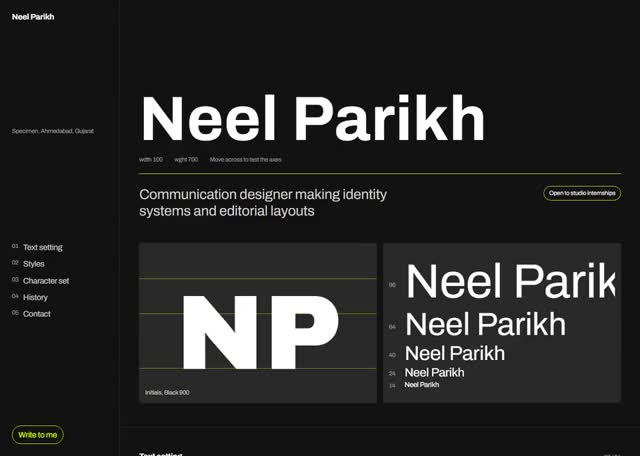
The animated designs can show one picture per project. Choose a single strong image, such as the key screen or a before and after, and keep the detail for the written case study. Put links to longer write ups, Figma files or live products in your page's links section.
Is this better than a Behance or Dribbble profile?
It does a different job. Those sites are good for being discovered by other designers. A portfolio at your own link is what you put on a resume and send to a recruiter, and it presents you alone, with no one else's work beside yours. Many designers keep both and link them.