How it works
Open the try page, choose a PDF, TXT or Markdown resume of up to 5 MB, and the form fills in with your education, experience, projects and skills. Then look through every field, because no reader gets everything right, especially on heavily designed resumes.
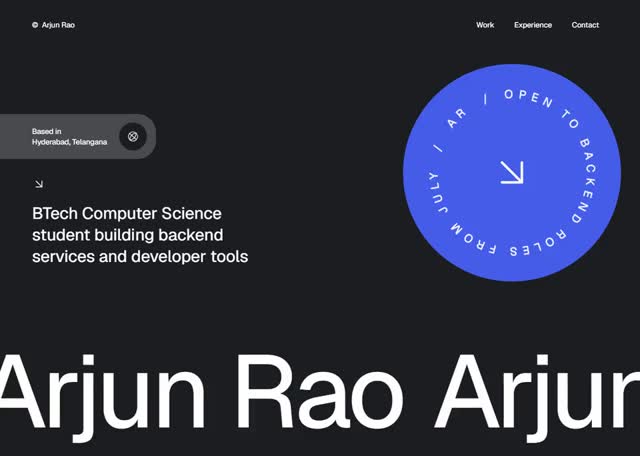
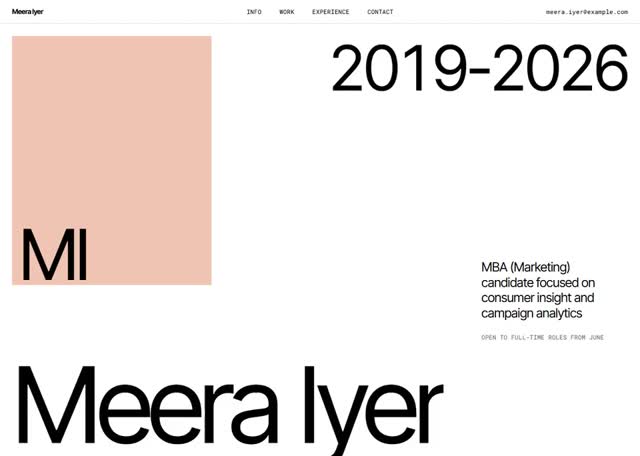
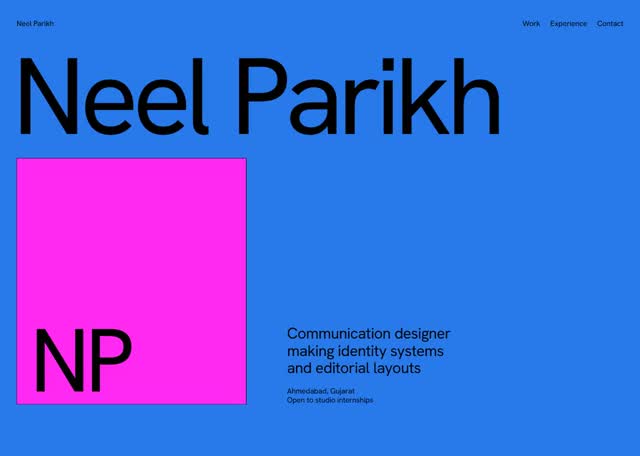
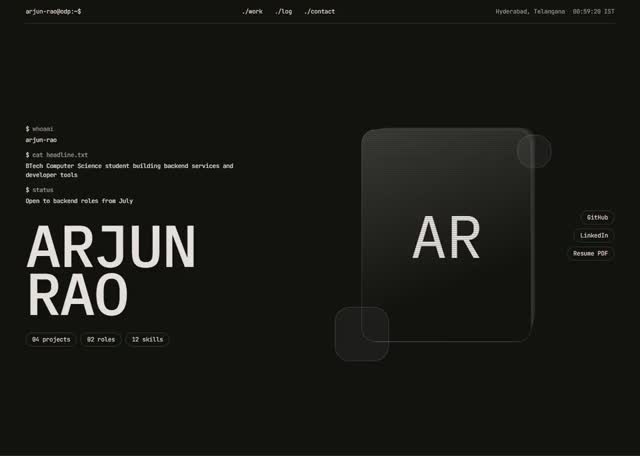
Pick a design, see your details in it, and press Publish when it looks right.
What to add that your resume leaves out
A resume is short by design, and a portfolio does not have to be. For each project, add what problem it solved, what you personally did, and what happened as a result. Add links to the live work or the code.
On a paid plan you can also add a picture for each project in the premium designs. Pictures are often what make someone stop and read.
Your resume stays yours
Your page does not replace your resume. Keep both, and put the link to your page on the resume, so anyone reading the short version can see the full one.